
“We’re a few people who care about consistency across four products and don’t want to drown in process.” — from the system’s own governance guidelines
That’s the whole brief — not a mandate, not process for its own sake. Just enough structure to stop four once-separate products from drifting further apart.
Three people, three different answers
A developer building off the code, a designer checking Figma, and a PM going off what shipped last quarter could each be “right” at the same time and still land on three different answers. The design system existed; agreement on it didn’t.
Built off the real thing, not a description of it
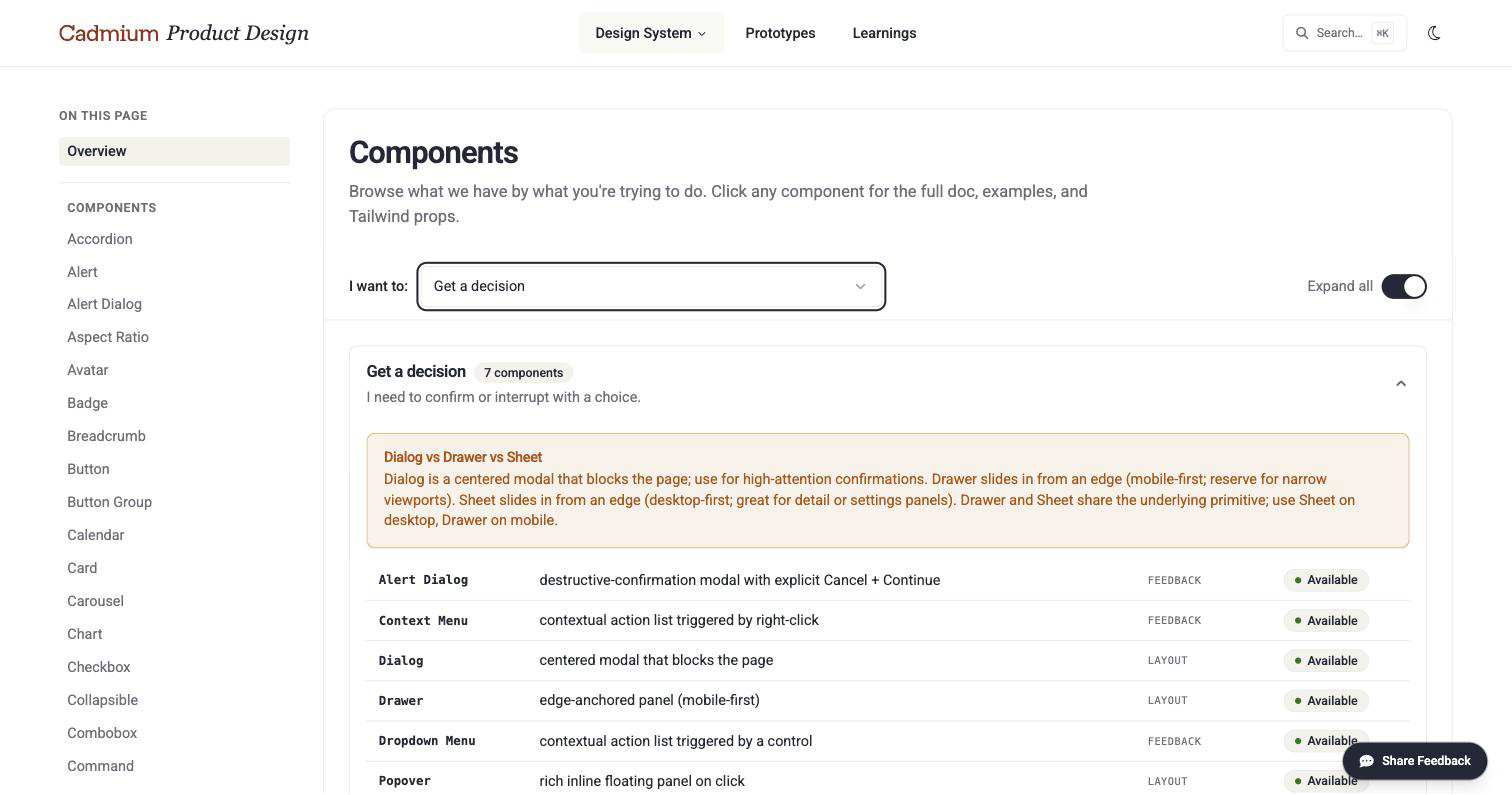
I built the site to render two sources directly: the team’s written documentation and the actual component library running in production. What the site shows isn’t a mockup of a component, it’s the component — so there’s no gap between what’s documented and what ships.
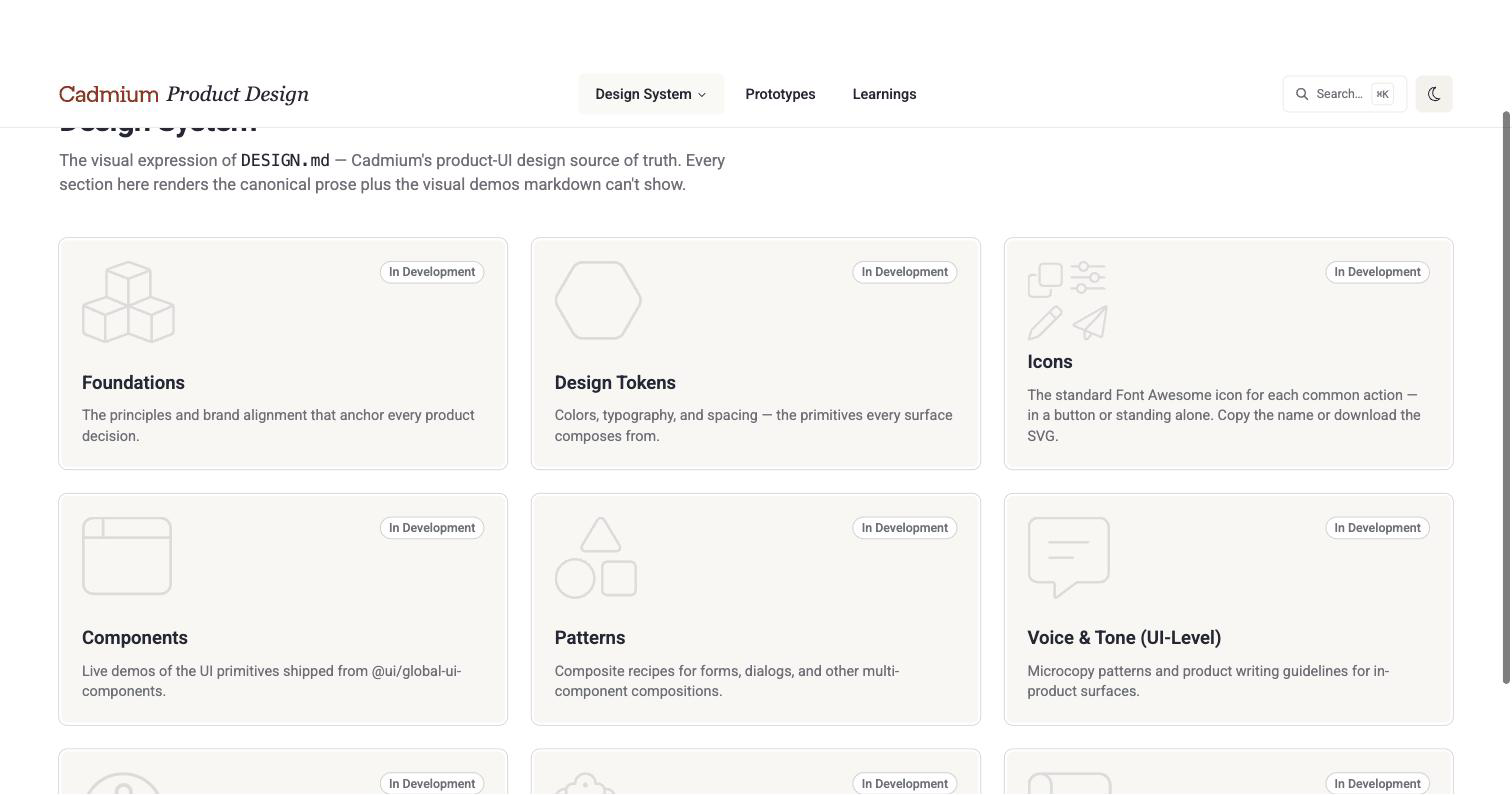
Nine sections, one source document — each still growing
Every component, live and documented
Icons carry the exact name to drop into code. Component pages render the actual component running live, not a screenshot of it, next to the rules for when to use it and when not to. A developer, a PM, and a designer can all land on the same page and walk away with the same answer.
Patterns for the compositions, not just the parts
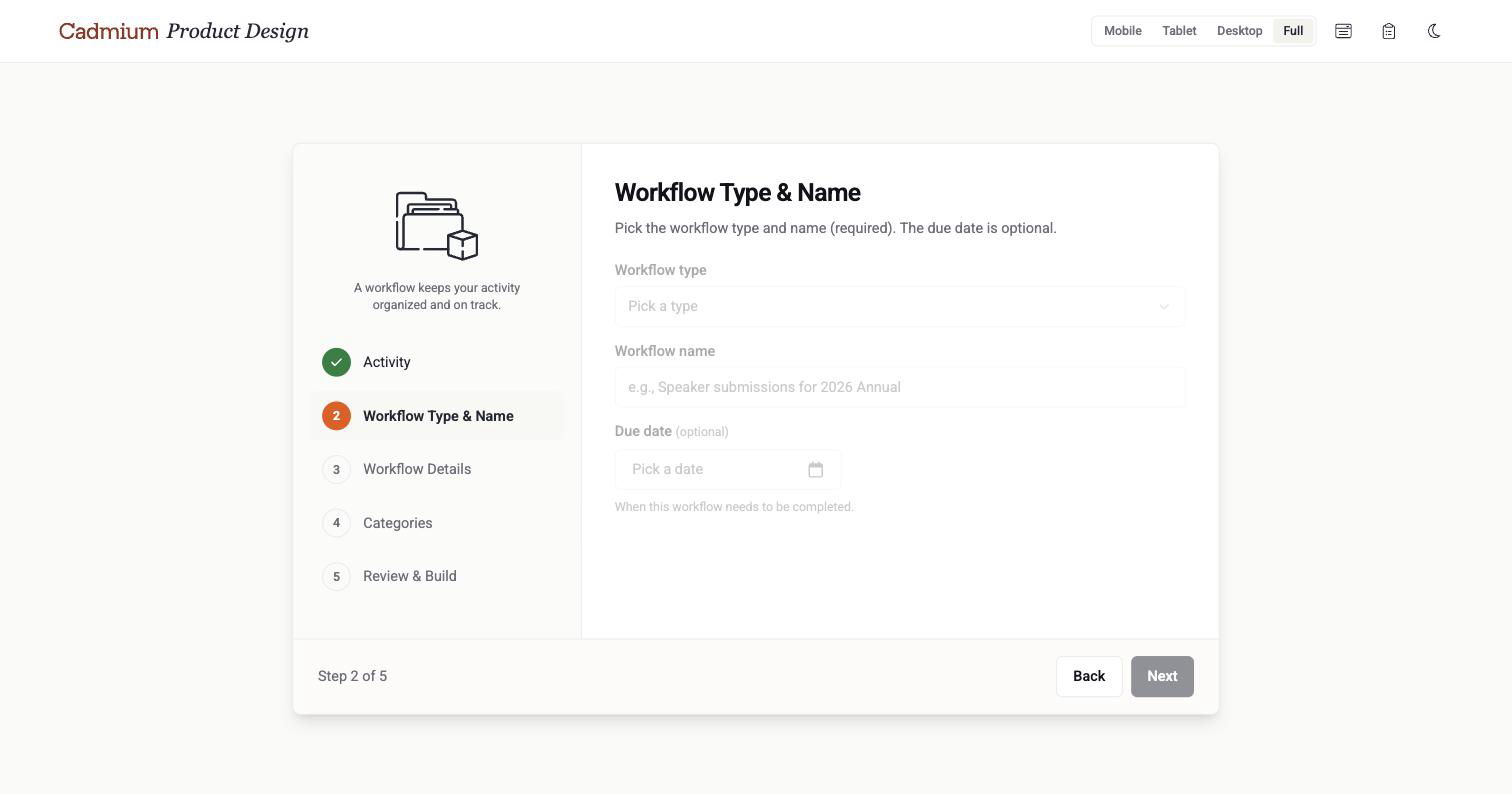
A table, a form, a validation message, a navigation bar — each is “just components” until five people build it five different ways. The Patterns section documents the compositions directly, so nobody’s reinventing how a table sorts or a form validates from scratch.
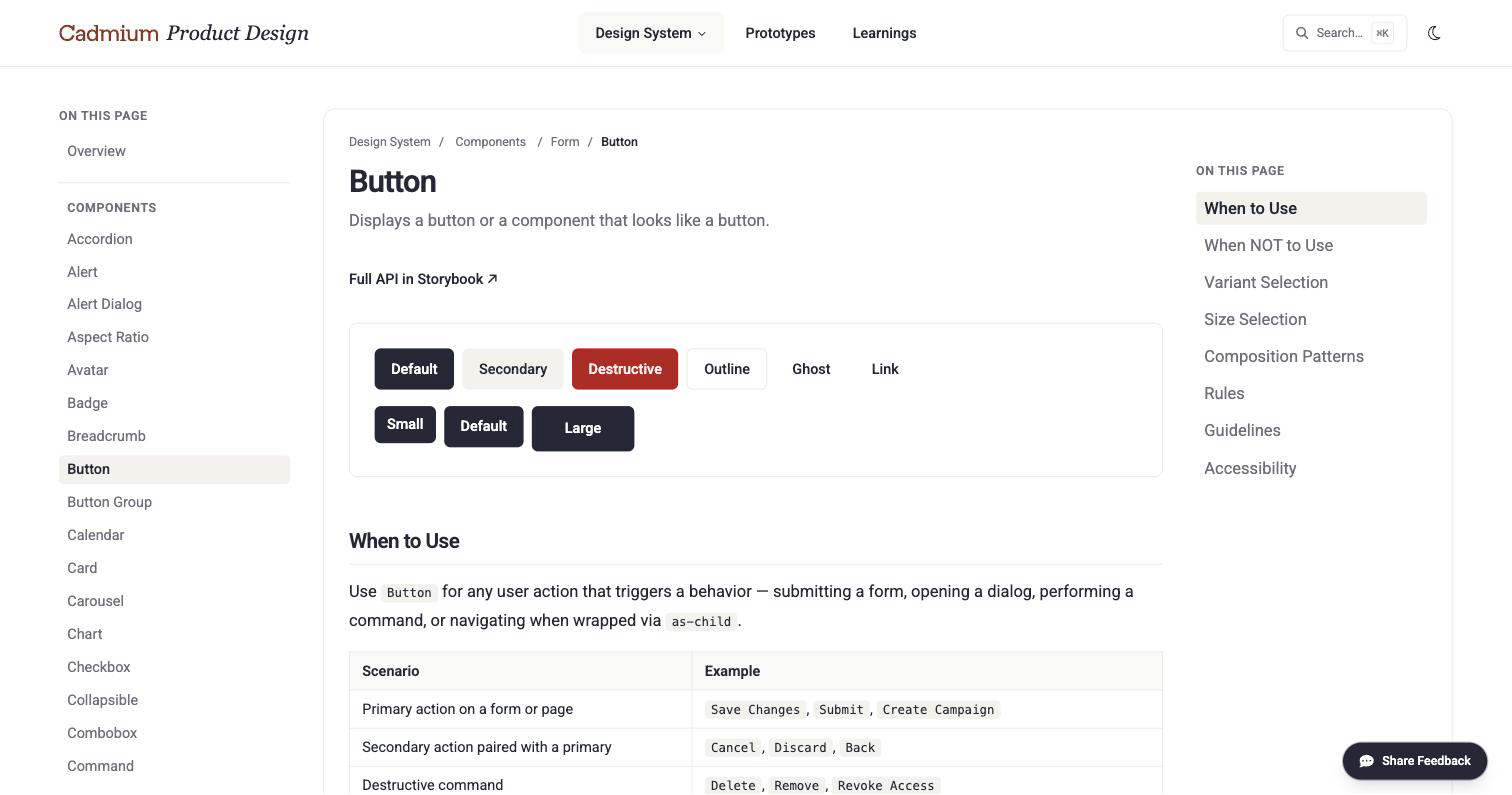
The real component, live, next to the rules for using it
A loop, not a one-way document
The site isn’t just where the documentation lives — it’s part of how the documentation gets stronger. A prototype gets tested against the system, an observation gets logged, and once it shows up again across multiple screens, it gets promoted into an official rule — 37 logged so far, 9 that have earned their place. The more the site gets used, the more accurate the documentation underneath it gets, instead of going stale like a wiki nobody updates.
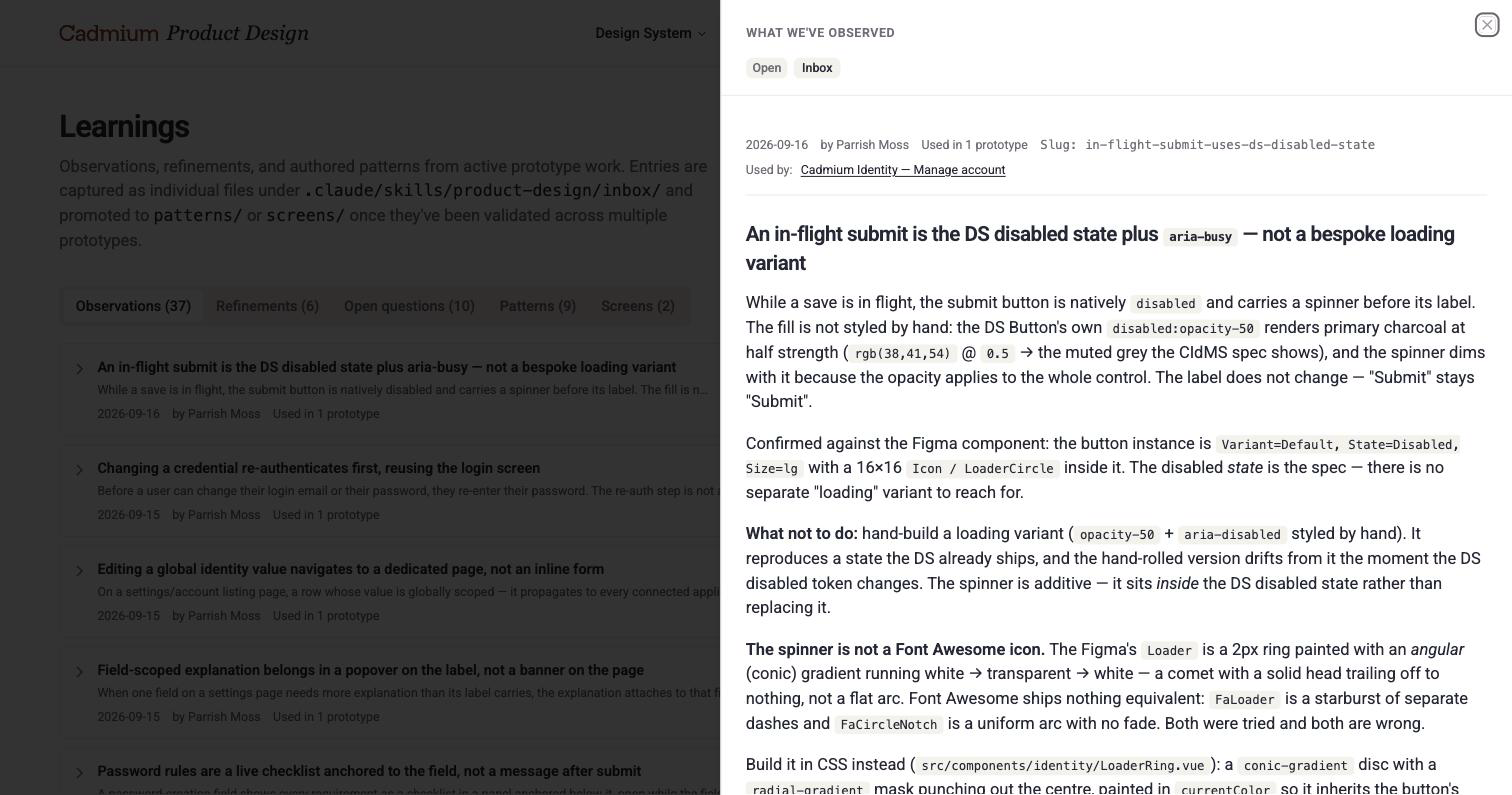
Every observation dated, attributed, and tracked by how many real screens used it
Outcome
The site is live and used as the single source of truth today, wired to the real component library so what’s documented is what ships. A lightweight review process — any finding, from a person or an AI assistant, judged on whether it’s a real gap and how urgent it is — has already turned dozens of real-world observations into nine official rules, each one making the documentation stronger than when it started. The same documentation is now feeding an early AI-assisted tool meant to carry the system into each product’s own codebase.
What I’d do differently
The rule that documentation wins came after values had already drifted — a brand color hand-typed into a config file diverged from its source before anyone caught it. I’d set that rule on day one, not after tracking down where the drift came from.
Why this mattered
A design system nobody can check from the same place might as well not exist — everyone ends up working from their own memory of it. Building the site that makes it one living source of truth, one that gets stronger the more it’s used, is what turns the system into something a new designer, a new developer, or an AI assistant can actually trust.